
Navigation · Guidance · Venue
Mecha Guide — navigation & tour platform
Map once. Tour, talk, and perform on waypoints.
Browser-based SLAM mapping, waypoint tours, TTS / dialogue, motion scripts, and stage sequences for venue guidance. Tuned for Unitree G1-EDU class robots with a full operator console.
Overview
Mecha Guide (机甲星探) is CORELINK’s navigation and tour management platform. Operators map a venue in the browser, set waypoints with speech and motion, then run autonomous tours, Q&A, and short lobby performances from one console.
- Browser SLAM map build + reloc for new venues
- Waypoint tours with action + voice delay matching
- TTS, audio library, and LLM dialogue with role settings
- Story scripts and stage sequences for lobby shows
In the field
Scenes this solution covers
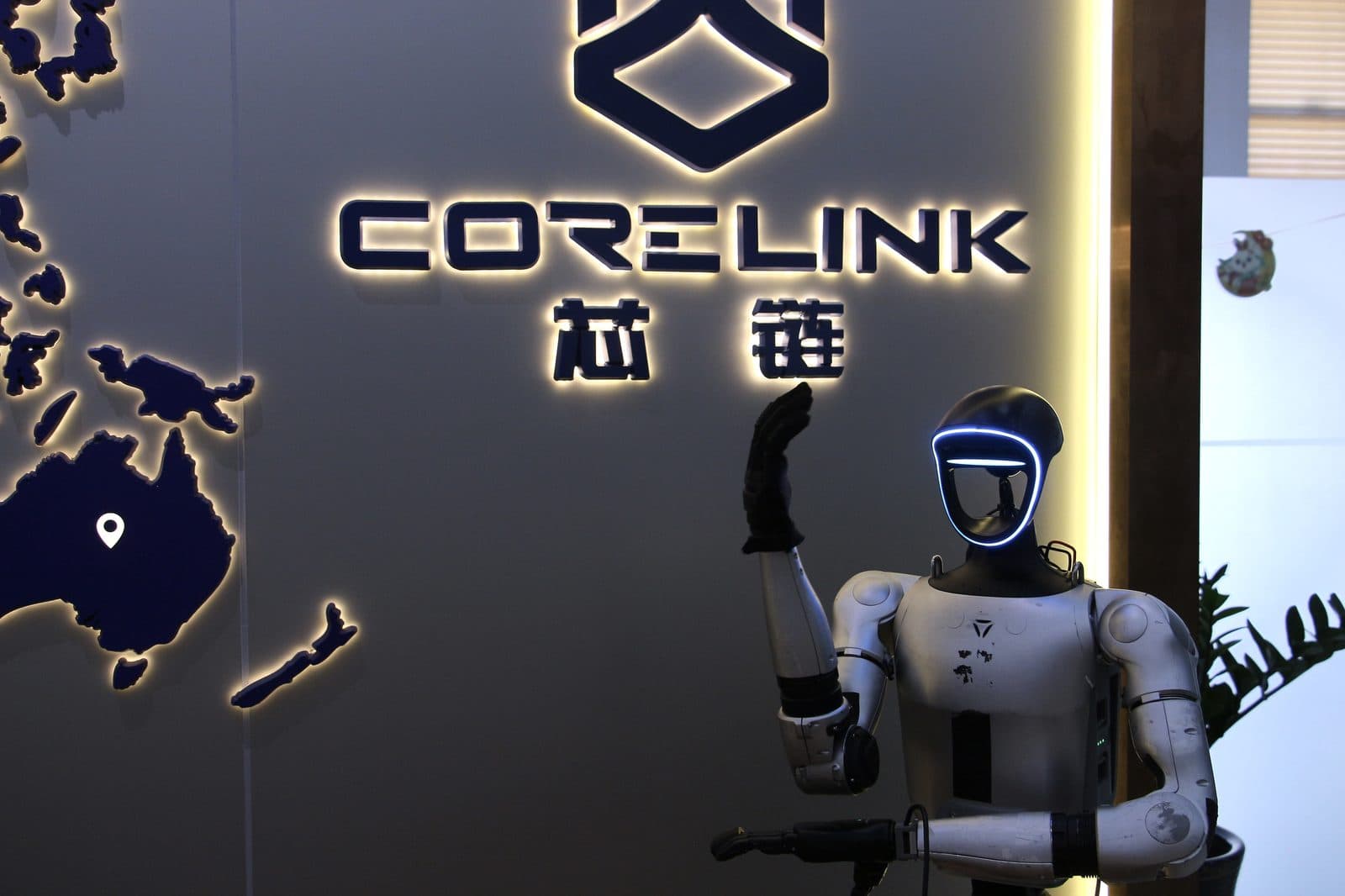
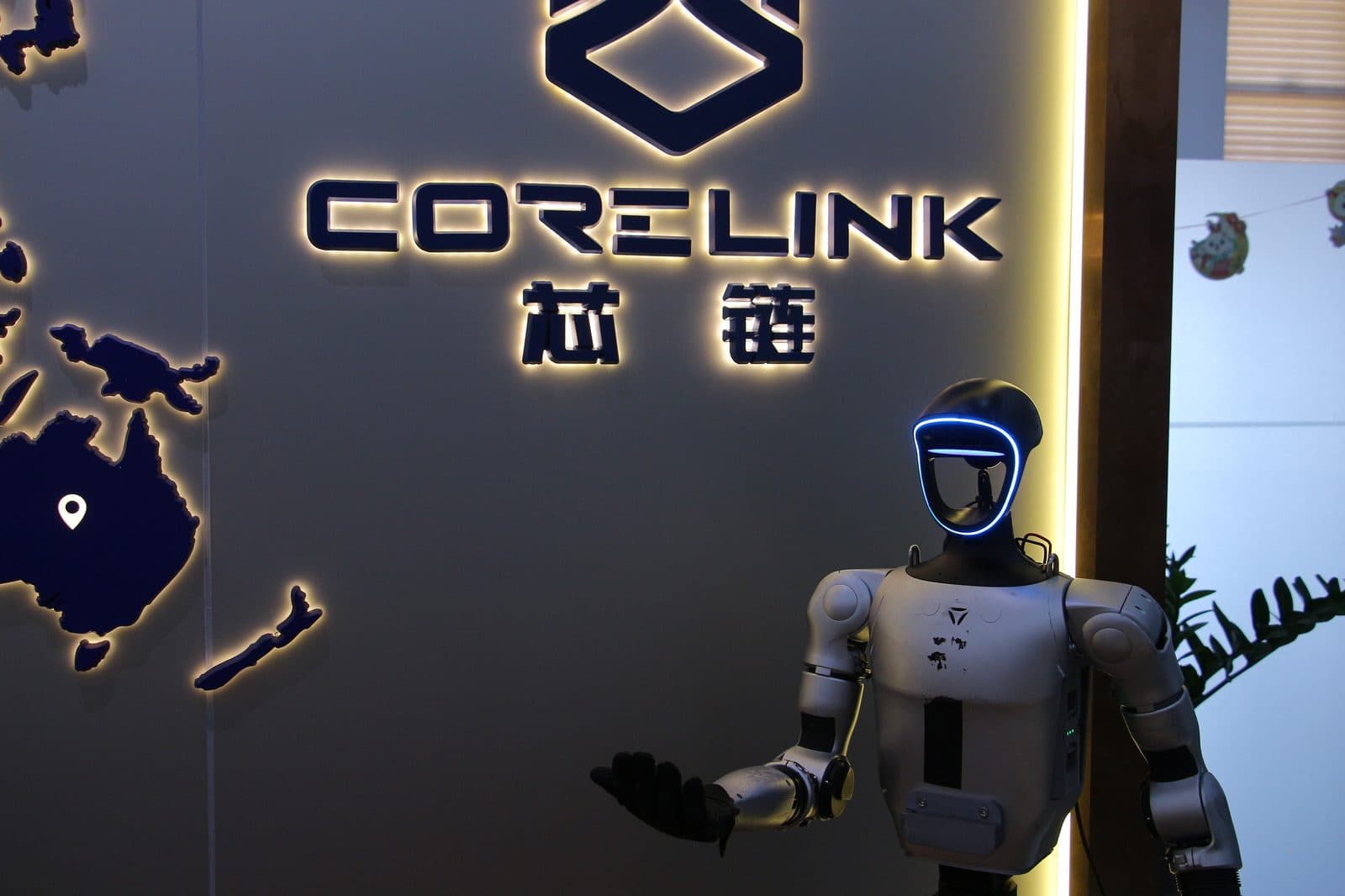
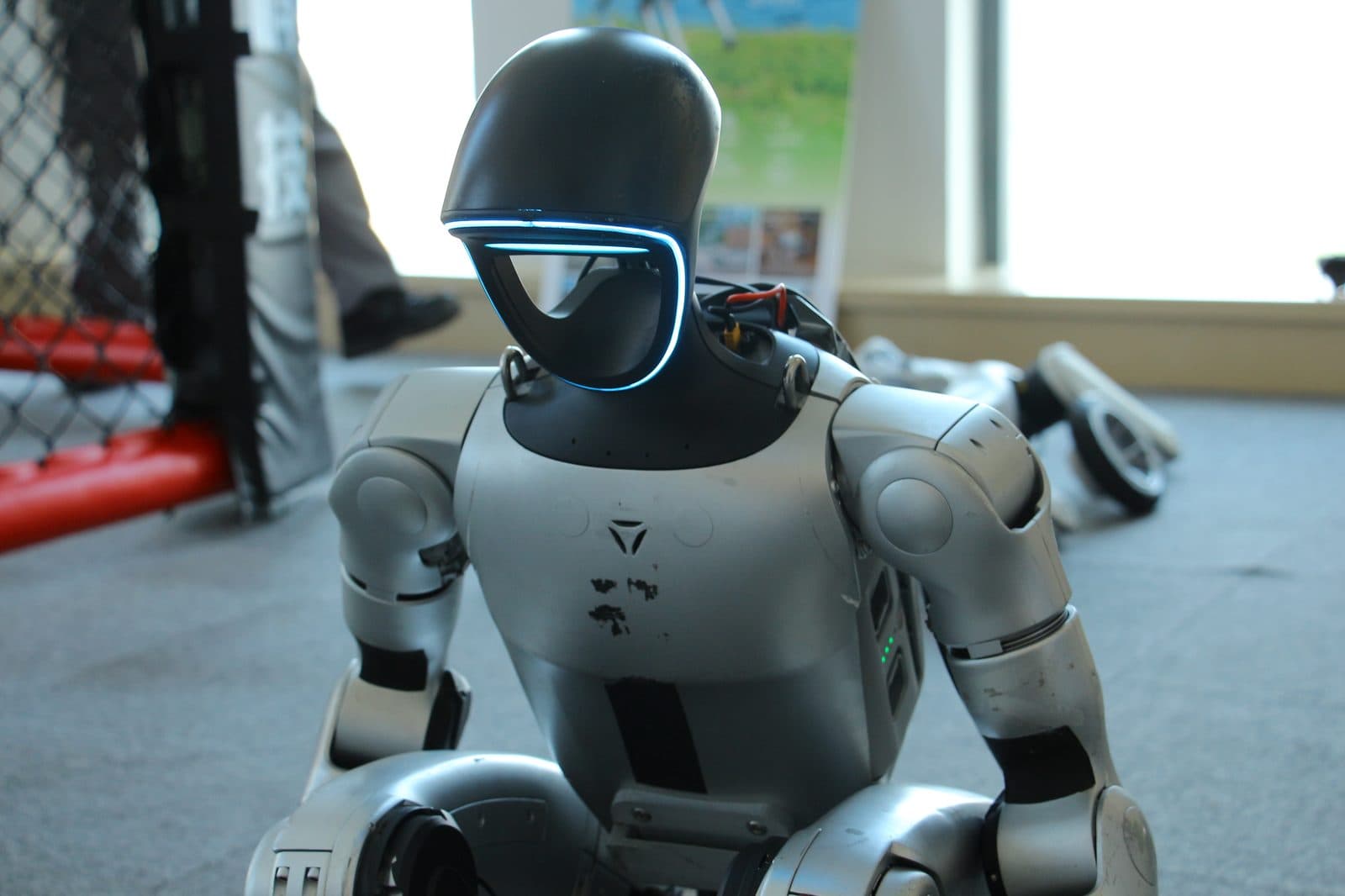
Real deployments and manufacturer scene stills — so you can see where the pack actually lands.

Platform fit
Built around the Unitree G1-EDU family and a standard browser workflow.
- Robots: Unitree G1-EDU including G1-U1 / U2 / U3 / U4 / U5 class configs
- Wireless mic: DJI Mic Mini class receivers supported
- Console: mainstream browsers to the onboard management UI (IP / port per deployment)
Map & locate
First visit builds the map; every boot starts with a quick reloc so tours stay accurate.
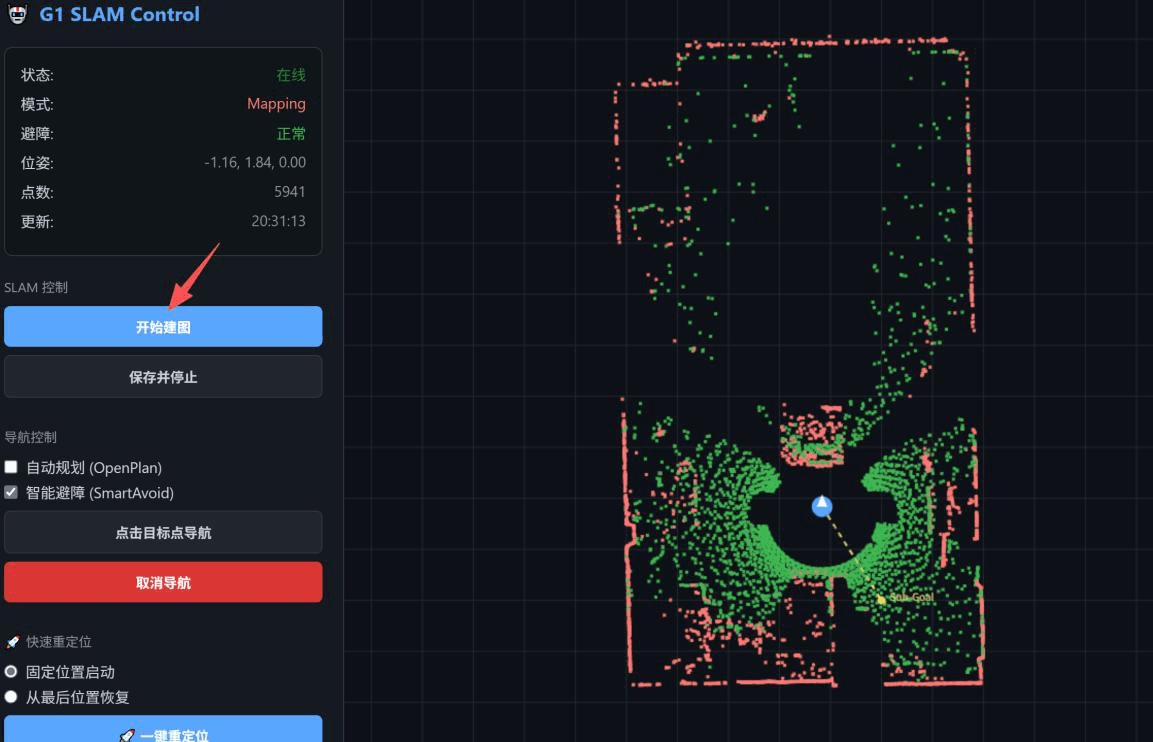
- Start mapping from the SLAM Monitor page, walk the full area with the remote, then save the PCD map
- On reboot: load map path, set initial pose on the point cloud, start navigation when blue/red regions align
- Operators stay in a visual map UI — no command-line mapping for daily staff
Voice, dialogue & motion
Make the robot speak, answer, and move from the same backend.
- Voice manager — TTS with Aliyun voices (male/female, dialect, foreign languages) plus MP3/WMV uploads
- Smart dialogue — ASR / TTS / LLM, wake word, I/O devices, and a role profile (name, org, personality)
- Knowledge base hooks so answers stay on-brand for the venue
- Motion manager — stock platform motions plus upper-body teach motions from the official app
- Execute / stop from the console; robot must be in normal mode before scripted motion
Tours, stories & stage
Turn a floor plan into a product tour or a short show.
- Waypoint editor — name, action sequence, voice clip, and delay so speech matches motion
- Sequence manager — chain waypoints into an automatic tour route; start / stop mid-run
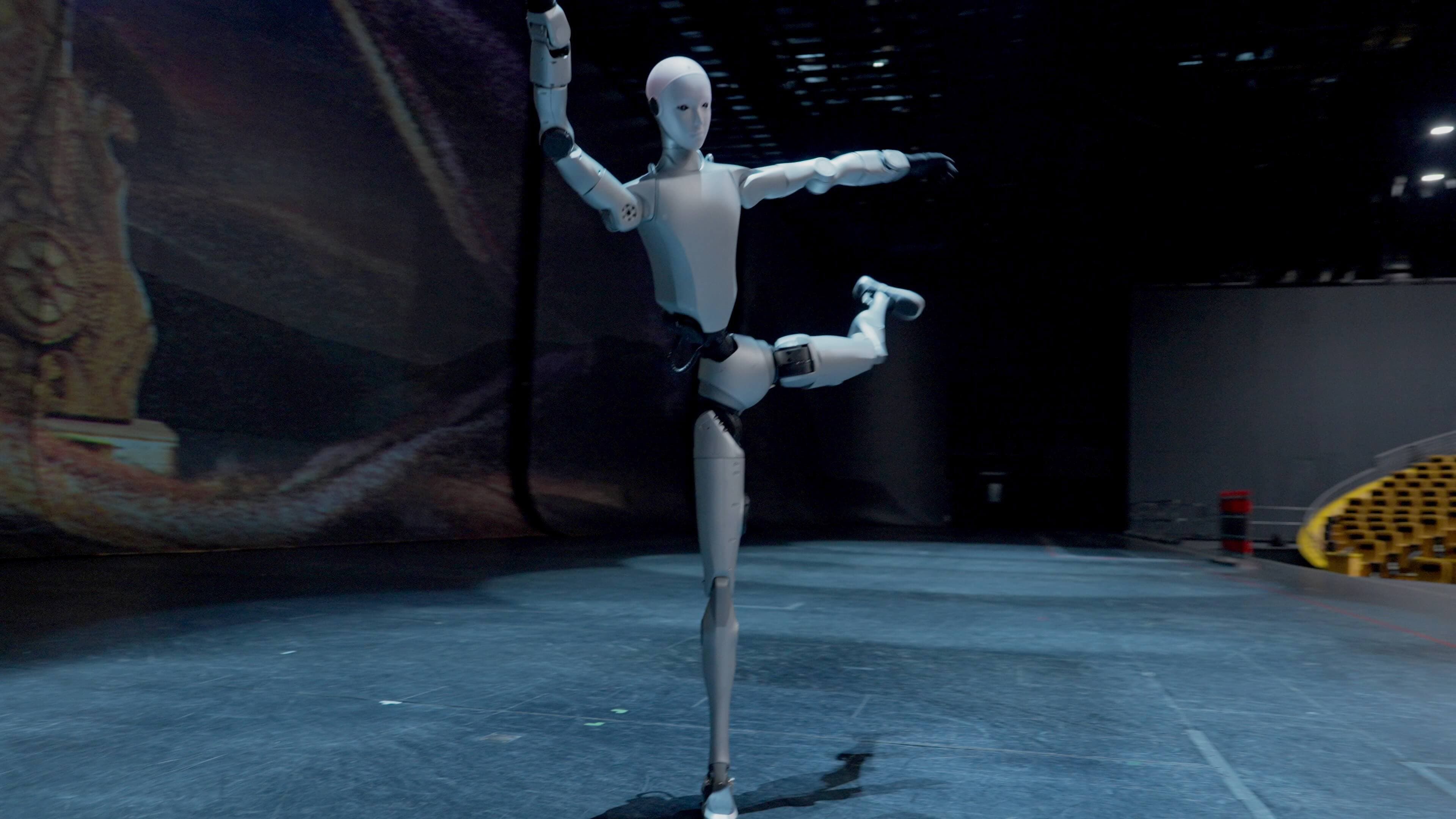
- Story scripts — pair a clip + motion for door greetings, dances, or fixed skits
- Stage mode — order multiple action/voice units with duration and gap timing for one-scene shows
Platforms
Hardware this solution runs on
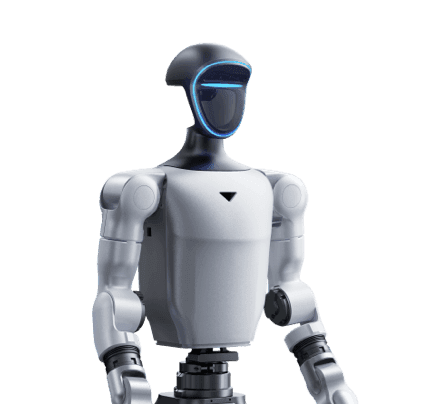
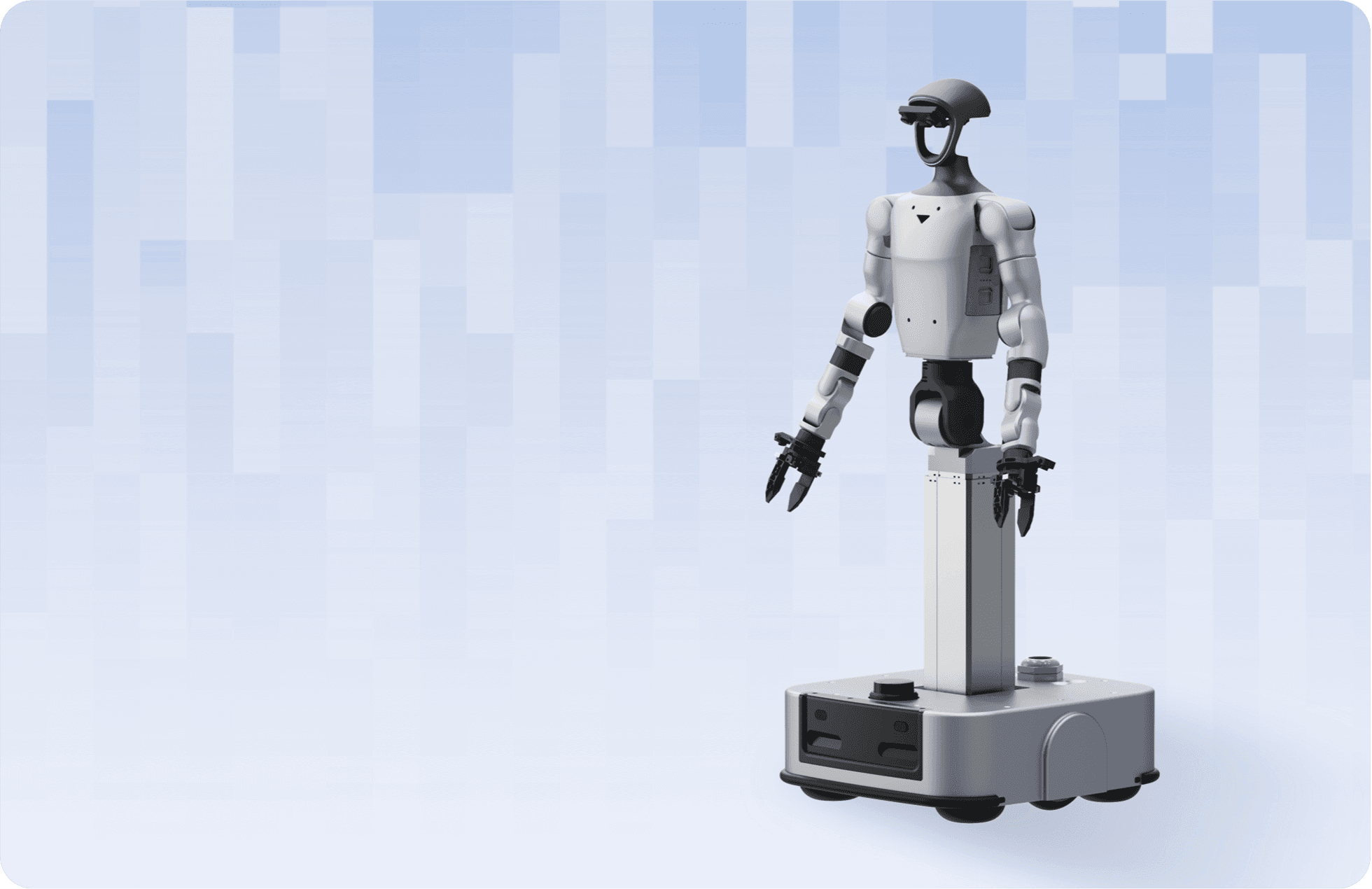
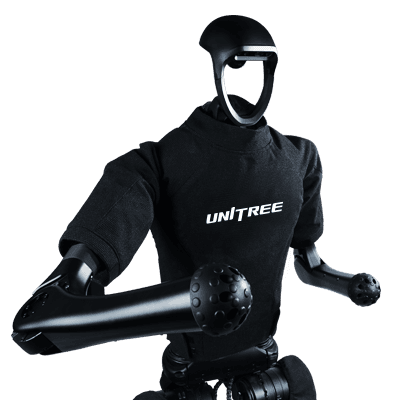

Need the full source document? Mecha Guide operator manual (PDF)
Quote
Start Mecha Guide — navigation & tour platform
Leave your details on this page. We reply from xinlian@corelinkrobot.com.